Scribe now knows your schedule. Just tap and talk! Learn more >
Veterinary Software Guide
Best veterinary software for mobile and housecall vets: what actually works in 2026
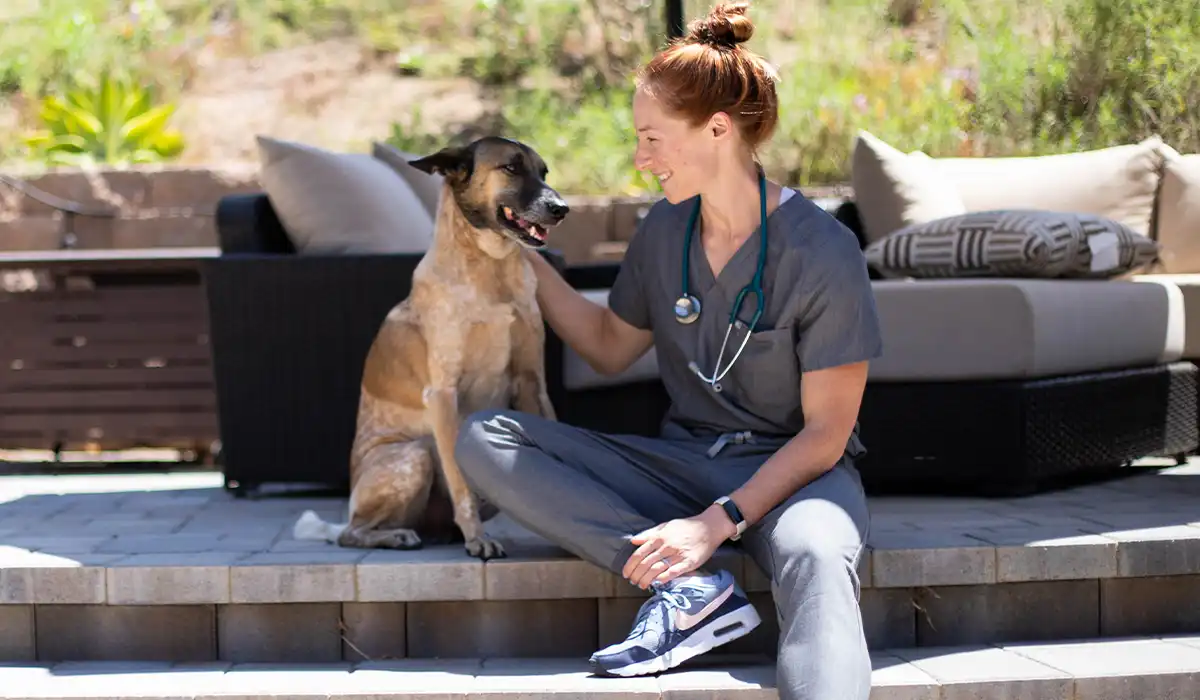
The problem with most veterinary software when there's no front desk
This guide covers software built for mobile vets. If you run a full-service clinic instead, see our guide to the best veterinary software.
Most veterinary software is designed around a physical clinic. There's a reception desk, a waiting room, a back office where someone processes invoices, and a team that operates in one building. Mobile and housecall practices operate without any of that. The DVM is the front desk, the clinical team, and sometimes the billing department—all at once, in a client's driveway.
The result is that veterinary software designed for the clinic context creates friction in a mobile context rather than reducing it. Scheduling systems that require a front desk to confirm bookings don't work when there's no front desk. Payment systems that depend on in-office terminals don't work in the field. Record-keeping tools that require a fast, stable internet connection aren't reliable when you're on a rural housecall.
PetDesk's 2026 State of Veterinary Practice Management Report reveals roughly 26% of veterinary appointments run longer than scheduled—and that's in a controlled clinic environment. For a mobile vet managing back-to-back housecalls, even minor scheduling compression cascades into the rest of the day. Software that handles scheduling, communication, and payment in a mobile context isn't a convenience. It's what keeps the day running.
This guide covers the tools that hold up in field conditions, with honest notes on what each does well and where it falls short.
What mobile and housecall practices actually need from software
Works without a front desk.
Online booking that clients can complete without a phone call, automated reminders that go out without manual action, and confirmation workflows that don't require a staff member to complete—these aren't optional for a solo mobile practice. They're the replacement for the front desk you don't have.
"/><stop offset="1" stop-color="rgb(21, 65, 102)"/></linearGradient></defs><path d="M 8.833 7.667 L 6.167 7.667 C 6.034 7.667 5.907 7.614 5.813 7.52 C 5.719 7.426 5.667 7.299 5.667 7.167 L 5.667 3.167 C 5.667 3.034 5.719 2.907 5.813 2.813 C 5.907 2.719 6.034 2.667 6.167 2.667 C 6.299 2.667 6.426 2.719 6.52 2.813 C 6.614 2.907 6.667 3.034 6.667 3.167 L 6.667 6.667 L 8.833 6.667 C 8.966 6.667 9.093 6.719 9.187 6.813 C 9.281 6.907 9.333 7.034 9.333 7.167 C 9.333 7.299 9.281 7.426 9.187 7.52 C 9.093 7.614 8.966 7.667 8.833 7.667 Z M 6.667 0 C 2.985 0 0 2.985 0 6.667 C 0 10.348 2.985 13.333 6.667 13.333 C 10.348 13.333 13.333 10.348 13.333 6.667 C 13.333 2.985 10.348 0 6.667 0 Z" fill="url(%23e7cmwkK2A-529202624-linear-gradient)" height="13.333333333333332px" id="e7cmwkK2A" transform="translate(1.333 1.333)" width="13.333333333333332px"/></svg>)
Route and travel-time management.
A traditional appointment scheduler doesn't account for drive time between appointments. Mobile practice scheduling either needs to build in travel buffers natively or integrate with something that does. Scheduling housecalls back-to-back geographically (rather than chronologically) reduces drive time and allows more appointments per day.
Mobile-first design.
If a tool requires a laptop with a stable internet connection to use effectively, it's not designed for field work. Record-keeping, invoicing, and communication tools all need to function on a mobile device and handle intermittent connectivity without losing data.
In-field payment processing.
Cash and checks are friction. A payment solution that processes cards and sends digital receipts on-site closes the billing loop before you leave the driveway, which matters both for cash flow and for client experience.
Lightweight clinical records.
Housecall DVMs don't need the clinical record complexity of a multi-doctor specialty hospital. They need something that captures the visit, generates a SOAP note efficiently, and keeps the patient history accessible on a phone. The best PIMS options for mobile work are cloud-native and designed with solo practitioners in mind.
The software mobile and housecall vets are using




Questions worth asking before you decide
Does this work reliably on a mobile device with intermittent connectivity?
Not 'can you access it on a phone'—does it actually work when your connection is weak or drops out? Ask specifically about offline functionality and how data syncs when connectivity restores. This is a question that demos rarely surface because they're conducted on fast connections.
What happens if I decide to scale from solo practice to a small team?
Some mobile practice software is built for solo practitioners and becomes unwieldy when a second DVM is added. If growth is a possibility, ask specifically about multi-DVM workflows and how pricing changes.
How long does it take to complete a SOAP note after an appointment?
Ask for a live demonstration of the documentation workflow in a field scenario—not a clinic scenario. If the DVM has to complete documentation on a small screen after a housecall, efficiency matters.
How does the scheduling system handle travel time between appointments?
A system that treats two back-to-back housecalls like two back-to-back in-clinic appointments will create scheduling problems. Ask how the platform builds in buffer time and whether it supports geographic clustering of appointments.
Can I process payment in the field, and what does that look like for the client?
Ask about card processing hardware, tap-to-pay options, and digital receipt delivery. The less friction in the payment process on-site, the cleaner the end of each appointment.